Toshiba Canvio Basics 2TB Best Overall
Key details
- Capacity
- 2 TB
- Interface
- USB 3.0
- Drive Speed
- 5400 rpm
- Warranty
- 1 year limited
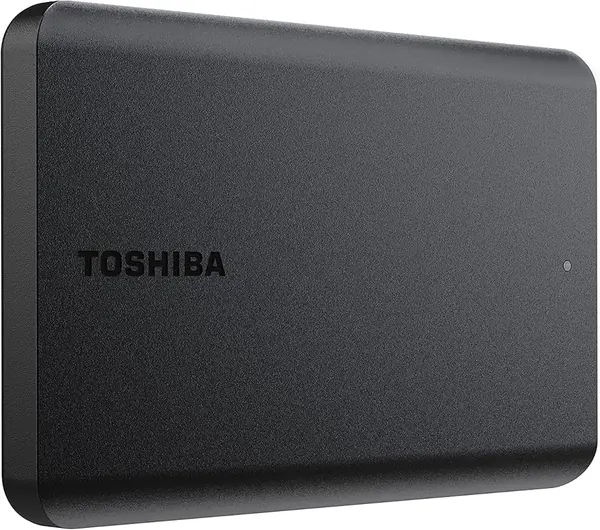
Two terabytes, one cable, nothing to configure. The Canvio Basics is the drive we recommend to most people because it asks nothing of you: plug it into a USB port and Windows offers up the space immediately. The matte finish earned more appreciation than we expected, too. Glossy plastic drives look grubby within a week of riding around in a bag, and this one does not.
The capacity is the real argument. Two terabytes swallows a full system image, a photo library, and years of video with room to spare, and at 0.55 inch thick and 5.3 ounces it slides into the same sleeve pocket as a phone. Toshiba ships it formatted NTFS for Windows. On a Mac you erase and reformat it in Disk Utility before the first copy, which wipes the drive, so do it on day one rather than after you have moved your photos.
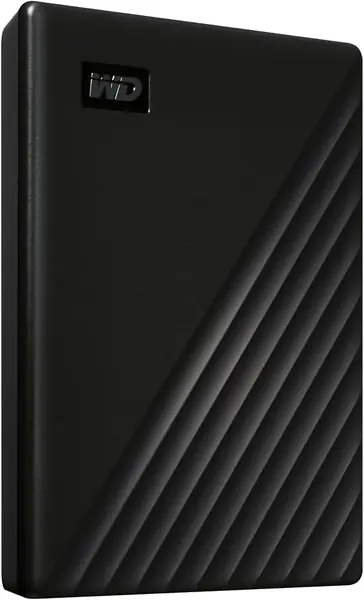
Where the My Passport pulls ahead is everything past raw storage: this one has no password protection, no hardware encryption, no bundled backup software, and a one-year warranty instead of three. If you already back up on a schedule and just need more room, none of that reaches you. If the drive is going to hold documents you would rather not lose to a stolen bag, the WD below is the better-equipped buy.
Pros
- 2TB with nothing to configure
- Matte, smudge-resistant shell
- 0.55 inch thick, 5.3 ounces
- Pre-formatted NTFS for Windows
Cons
- One-year warranty, the shortest here
- No encryption or bundled backup software
Buy it if you want two terabytes of no-drama storage for a Windows laptop: plug it in, watch the space appear, start copying.