Acer Dual-Slot Card Reader Best Overall
Key details
- Card Slots
- SD and microSD
- Connectors
- USB-C and USB-A
- Transfer Rate
- 5 Gbps
- Weight
- 0.53 oz
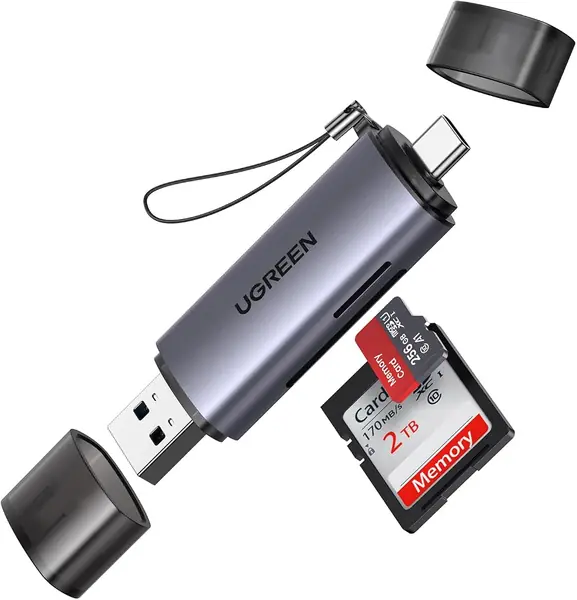
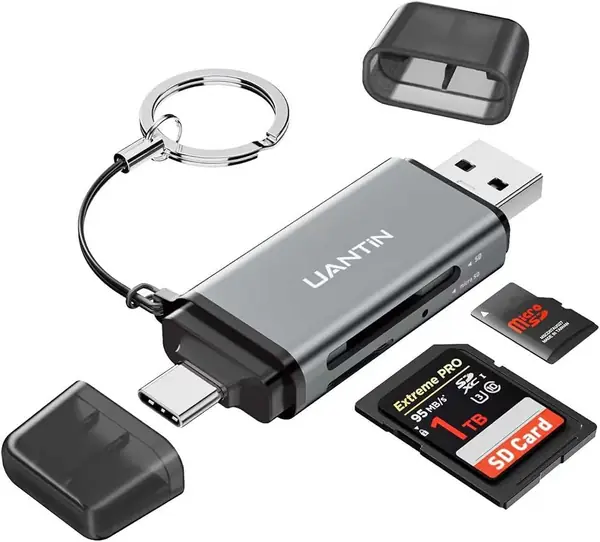
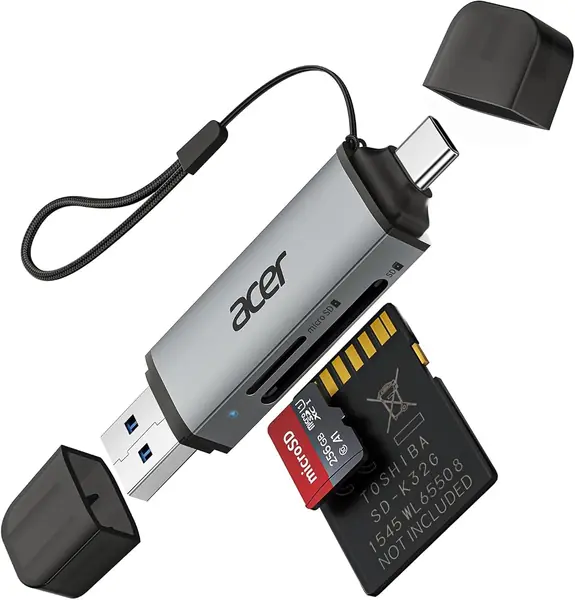
At 15 grams and just under three inches long, this is the lightest reader we recommend, and the two plugs built into the body are why it takes the top spot. USB-C on one end, USB-A on the other, no dongle, no detachable adapter to leave in a hotel room. Plenty of card adapters in this price range make you pick a side; this one goes from a MacBook to an older work laptop without a second thought.
Phones are where it gets uneven. The listing names iPhone 15 and 16 and iPad Pro, and that is how a lot of people will use it — but a phone that does not handle USB card mounting will not see the card at all, whatever the packaging says. Run one import at home, with the case off, before you count on it at an airport.
The 5 Gbps rating is a ceiling rather than a promise: with a good UHS-I card you will spend the transfer waiting on the card, not the reader. Our copies ran without dropouts, which is the thing that actually matters when the card in the slot holds the only version of a shoot.
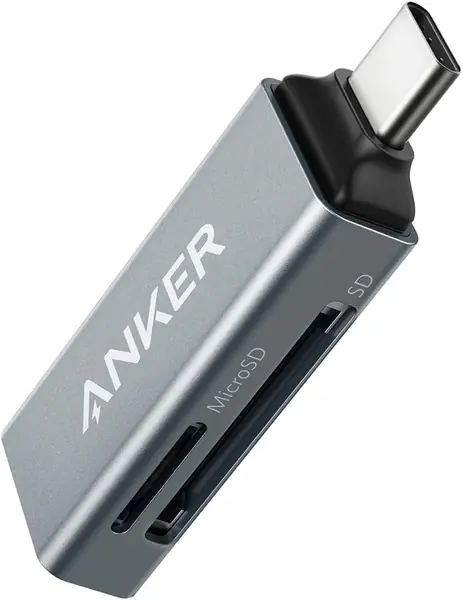
Both slots mount at once, so a camera card and a drone card can be copied in sequence without ejecting anything in between. If your bag is USB-C and nothing else, the Anker is smaller and just as fast; the moment you sit down at a desktop with USB-A ports, this is the one that does not need a hub in the middle.
Pros
- USB-C and USB-A plugs built into the body
- 15 g, light enough to forget in a bag
- Reads SD and microSD at the same time
- 5 Gbps ceiling when the card keeps up
Cons
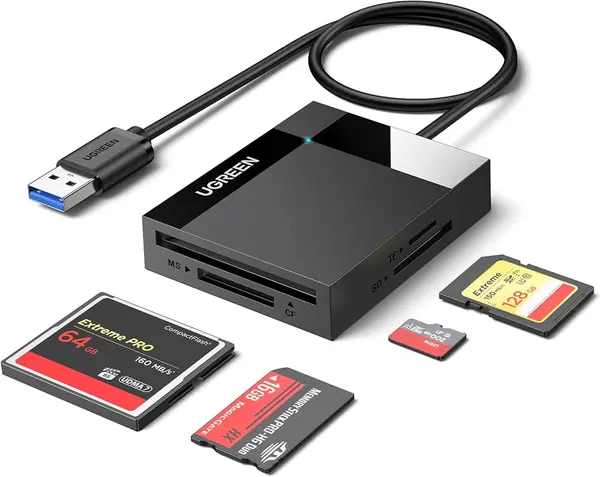
- No CompactFlash or Memory Stick slots
Our pick for most people: both plugs in one 15-gram body, two slots live at once, and no adapter to lose between the camera bag and the laptop.