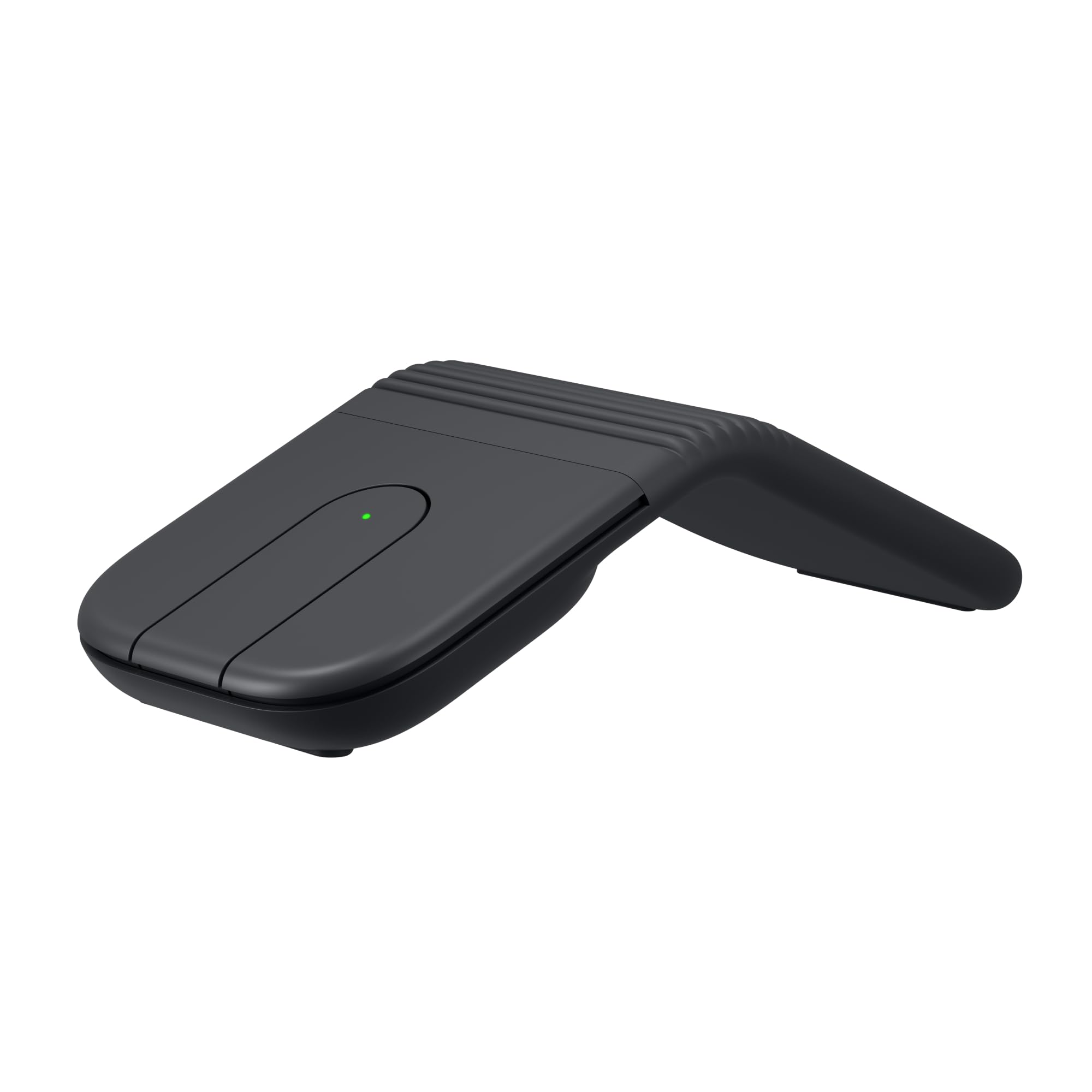
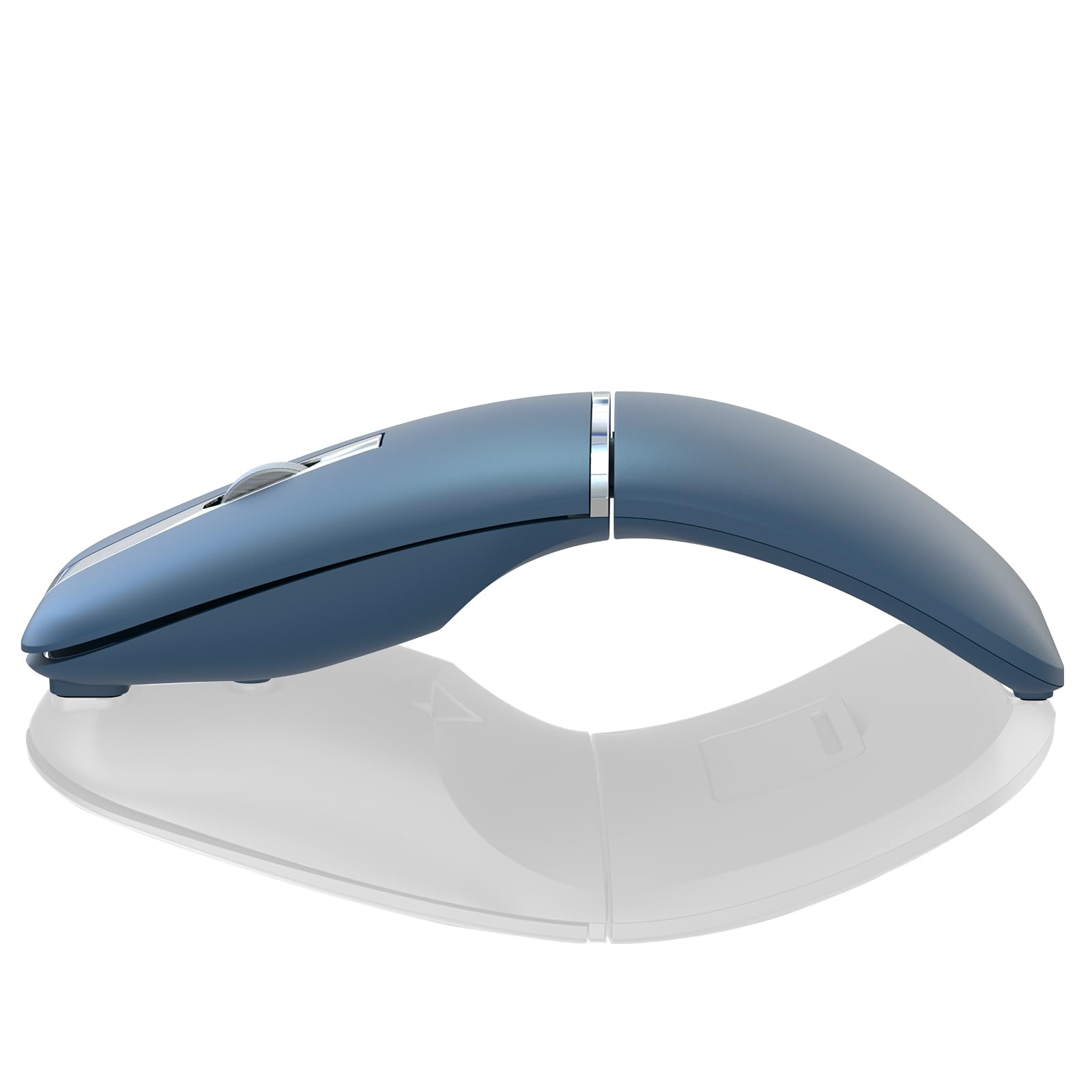
Best Overall
Logitech M240 Silent
Key details
- Battery
- 1 AAA, 18 months
- Form Factor
- Compact ambidextrous
- Noise Level
- Quiet clicks, audible wheel
- Connectivity
- Bluetooth only
The M240's main buttons produce a dampened click that's perceptible to the user but nearly inaudible to those a foot away, making it a strong fit for libraries, shared dorms, and late-night work. The click mechanism keeps tactile feedback crisp, so you still feel the actuation point — it doesn't turn into a mushy touchpad. Its optical sensor tracks smoothly on desks, fabric, and even frosted glass without skip, and the 1000 DPI resolution keeps cursor movements predictable across screen sizes.
Pairing the mouse requires only a long press on the dedicated Bluetooth button — it appears on laptops, tablets, and Chromebooks without needing a USB receiver. The connection stays solid across a room and the mouse wakes instantly from sleep with a click, so you can leave it idle during a long meeting. The included AAA battery slots in easily and Logitech claims 18 months of life; owners report going a full year or more between swaps, which reduces the itch to pack spare batteries. At 73.8 grams, the mouse feels substantial but doesn't weigh down a minimalist bag.
The M240 suits frequent flyers and remote workers with small-to-medium hands. Its compact shell tucks neatly into a laptop sleeve, and the quiet left/right buttons avoid drawing stares in an open-plan office. The absence of a dongle means no lost USB receiver in the seat-back pocket. Those with larger palms may find the shape cramped for all-day comfort; an ergonomic travel mouse or a slightly larger alternative might be a better long-term companion. Still, for quick sessions on a tray table or in a coffee shop, the size works without strain.
The M240's mid-range price is backed by a sturdy shell that resists flex and a button mechanism that stays consistent after thousands of clicks. Build quality inspires confidence — the plastic doesn't creak under pressure, and the battery compartment door stays firmly closed even after a tumble from a hotel nightstand. There's no multi-device switching button, but for a dedicated travel mouse that pairs immediately to one primary laptop or tablet, the simplicity is a plus. It's a travel accessory you can count on without constant battery swaps or pairing resets.
💡 For near-silent scrolling in shared spaces, keyboard arrow keys or a tablet's touchscreen gestures are quieter than any mouse wheel.
Pros
- Smooth, skip-free tracking on desks, fabric, and glass.
- Pairs with laptops, tablets, and Chromebooks within seconds
- Main left/right buttons are noticeably quieter than typical mice, making them suitable for shared spaces.
- Compact and light enough to slip into a laptop sleeve or backpack pocket.
- Sturdy construction that doesn't flex under regular use, even when packed tightly.
Cons
- Scroll wheel produces an audible click, unlike the near-silent main buttons.
- In rare cases, the mouse may stop responding after a few months of use.
A travel mouse that delivers quiet clicks, cross-platform Bluetooth, and battery life measured in years — best for those with small-to-medium hands who want a set-it-and-forget-it companion for their laptop.