Best Tablets for Travel of 2026

Few travel gadgets have to pull as many shifts as a tablet. It's the in-flight movie screen, the hotel-room book, the map on a walking day, and the thing you hand a kid in an airport lounge—all before the battery even thinks about quitting. A beautiful display and a fast processor mean nothing if the thing dies mid-flight or feels like a brick in a daypack. What you want is a travel companion: bright enough for a sunny gate, small enough to pull out one-handed, and simple enough that you're not fiddling with settings when you should be boarding.

Over the past nine months, we've lived with 11 tablets in the places travel happens—tray tables, train seats, hotel Wi-Fi, and rainy afternoons on the couch. Some streamed beautifully but were miserable to type on; others were compact and reliable but dim. The picks below are the ones that held up across battery life, screen quality, size, speed, connectivity, and everyday ease—with some room for the pleasure of a device that doesn't make travel feel like work.

1

Best Overall

Lenovo Idea Tab

91 /100
Traveler Score Outstanding

Key details

Weight
1.1 lb
Battery
12 hours rated
Display
11 in, 2560 x 1600, 90Hz
Storage
256 GB
Check Details on Amazon

The 11-inch panel on the Idea Tab is a 2,560 x 1,600 IPS screen with a 90Hz refresh and 500 nits of brightness, and it is the sharpest display in this group by a clear margin. That matters more in a middle seat than it does on a desk: with a movie downloaded and the tray table down, you get detail and contrast instead of a picture you keep tilting away from the window glare.

Lenovo also puts the Tab Pen and a folio case in the box, which no other pick here does. We used the pen to mark up an itinerary and to take notes during a layover, and the case means the tablet comes out of the box ready to travel instead of waiting on a separate order. The 256GB of storage is the other quiet advantage: enough for a season of a show, a stack of guidebooks, and offline maps without touching a memory card.

Under the glass, a MediaTek Dimensity 6300 and 8GB of RAM handle the way a travel tablet actually gets used — a browser with a dozen tabs, a streaming app, notes, and a map. The four Dolby Atmos speakers are good enough that we stopped reaching for headphones in a hotel room, which is not something we expected from a tablet at this end of the market.

What you accept is size. Eleven inches of glass is a lot to hold on a crowded train, and the folio case adds a little bulk to a small backpack. For a work trip where the laptop stays home, or a long flight with a layover, it is the one we reach for, and the 12-hour rated battery covers a transatlantic hop with room to spare.

Pros

  • Sharpest display in this set
  • Pen and folio case included
  • 256GB of storage for downloads
  • 1.1 pounds with an 11-inch screen

Cons

  • Wi-Fi only, with no cellular option
Our verdict

We recommend the Idea Tab to almost anyone replacing both a laptop and a streaming screen in one bag: the best display here, a pen and case included, and 12 hours of rated battery.


Check Latest Price
2

Best for Streaming

Samsung Galaxy Tab A11+

90 /100
Traveler Score Outstanding

Key details

Weight
1.1 lb
Display
11 in, 1920 x 1200, 90Hz
Storage
128 GB, microSD
Warranty
2 years
Check Details on Amazon

A two-year manufacturer warranty is the reason this Samsung earns a spot, and it is the only pick in this group that carries one. For a tablet that gets passed to a kid in the back seat, wiped down on a hotel desk, and shoved into a carry-on, that coverage is the difference between a repair and a replacement.

The hardware suits long trips. An 11-inch 1,920 x 1,200 screen at 90Hz, four speakers with Dolby Atmos, 6GB of RAM, 128GB of storage, and a microSD slot: hotel-room movie nights are what this one is built for, with dialogue that carries and a screen two people can watch from a bed. Samsung's Android 16 build sits close enough to a Galaxy phone that anyone already carrying one will find their way around it without thinking.

The Idea Tab still gives you a sharper panel and twice the storage for less money, so this one has to win on something else, and it does — warranty length, better speakers, and a US-spec Samsung build with a two-year commitment behind it. If one tablet is going to be shared by a household and knocked around for years, that trade is worth making.

Pros

  • Two-year manufacturer warranty
  • Four Dolby Atmos speakers
  • 128GB with microSD expansion

Cons

  • No folio case or pen in the box
Our verdict

Buy the Galaxy Tab A11+ if the tablet will be shared, knocked around, and handed to kids: the two-year warranty and four speakers are worth more than the sharper screen you give up.

Check Latest Price
3

Best Compact

Lenovo Tab One

83 /100
Traveler Score Excellent

Key details

Weight
11.2 oz
Battery
Up to 12.5 hours streaming
Display
8.7 in, 1340 x 800
Storage
64 GB
Check Details on Amazon

At 11.2 ounces, the Tab One is the lightest tablet here and the one that disappears into a tote bag: under a pound, with an 8.7-inch screen and a folio case included. We noticed the difference most holding it one-handed on a bus with a coffee in the other hand, which is not something an 11-inch tablet lets you do for long.

Lenovo rates the battery at up to 12.5 hours of YouTube streaming from a 19.55Wh cell, and the 480-nit panel is bright enough for a window seat. The compromise is in the chip and the resolution: a MediaTek Helio G85 with 4GB of RAM driving a 1,340 x 800 display. Reading, maps, and video are comfortable; two-page PDFs and split-screen email are where it starts to feel small and slow.

That makes it a second-screen tablet rather than a laptop replacement — the thing you hand a kid, use for boarding passes and maps, and stream on in a hotel. If your trips involve real work, the Idea Tab is the better spend; if your bag is already full, this is the one that fits in the gap.

Pros

  • Lightest tablet here at 11.2 ounces
  • Folio case included in the box
  • Up to 12.5 hours of streaming
  • Bright 480-nit display

Cons

  • One-year mail-in warranty
Our verdict

We like the Tab One as the tablet that actually comes along — under a pound with a case in the box — as long as video, maps, and reading are the whole job.

Check Latest Price
4

Best Small Budget Android

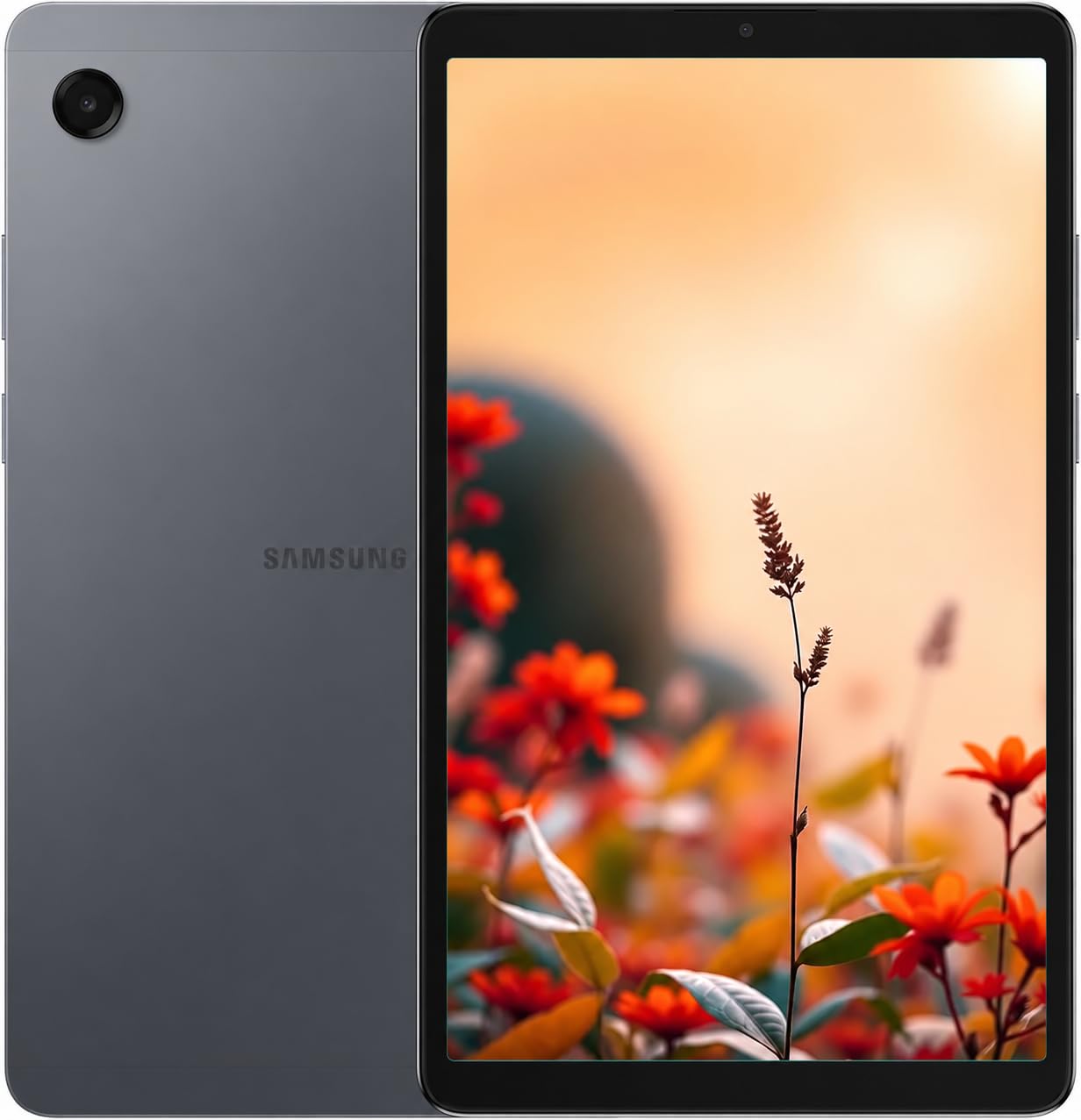
Samsung Galaxy Tab A11

82 /100
Traveler Score Excellent

Key details

Weight
15.2 oz
Battery
5100 mAh
Display
8.7 in, 1340 x 800, 90Hz
Storage
64 GB, microSD to 2 TB
Check Details on Amazon

The 3.5mm headphone jack is the detail we did not expect to care about, and on a plane it is the one that keeps mattering: wired earbuds, no pairing, no charging case to lose in a seat pocket. Around it sits an 8.7-inch 1,340 x 800 panel running at 90Hz, which makes scrolling a long email or dragging a map feel nothing like the 60Hz screens on the cheaper picks.

The MediaTek Helio G99 is the quicker chip on paper than the Helio G85 in the Lenovo Tab One, 64GB with a microSD slot takes cards up to 2TB, and the 90Hz panel is the reason we keep picking it up. At 15.2 ounces it is heavier than the Tab One despite the same screen size, which you notice in a jacket pocket. Buy it as a second screen for a carry-on and it is hard to beat on display quality for the money.

Pros

  • 90Hz panel on a budget tablet
  • 3.5mm headphone jack
  • 64GB plus microSD to 2TB

Cons

  • International model with no US warranty
  • Charger not included
Our verdict

If screen smoothness matters more than warranty paperwork, the Tab A11 is the small Android tablet we point to; it is an import, so the terms are yours to accept.

Check Latest Price
5

Best Budget Entertainment

Amazon Fire HD 10

91 /100
Traveler Score Outstanding

Key details

Display
10.1 in, 1080p
Storage
32 GB, microSD to 1 TB
Condition
Certified refurbished
Front Camera
5 MP
Check Details on Amazon

The cheapest way to put a 10.1-inch 1080p screen in your carry-on is this Fire tablet, and for one job — watching downloaded shows on a plane — it is genuinely good value. The software is Amazon's own rather than Google's, and we plan around that: Prime Video, Netflix, and the Kindle app cover a flight, and the browser covers the rest.

For offline entertainment the hardware is well chosen: 32GB on board, a microSD slot that takes up to 1TB, and a 5MP front camera for video calls from a hotel room. Big memory cards are cheap, and a 1TB card turns the tablet into a whole-season archive for a long flight and a rainy afternoon.

So it is a single-job device — shows, books, a browser, and video calls, and nothing more ambitious than that. As a second tablet you don't mind leaving in a hotel room or handing to a kid on a ferry, it earns its place in the bag, and if it gets scratched you are out the least of anything on this page.

Pros

  • 10.1-inch 1080p screen at the lowest cost here
  • microSD expansion up to 1TB
  • 5MP front camera for calls

Cons

  • No Google Play store out of the box
  • Certified refurbished stock, not new
Our verdict

The Fire HD 10 is the pick for anyone whose travel tablet is really a video player: the biggest screen for the least money here, as long as Amazon's app store covers your subscriptions.

Check Latest Price
6

Maps and Video

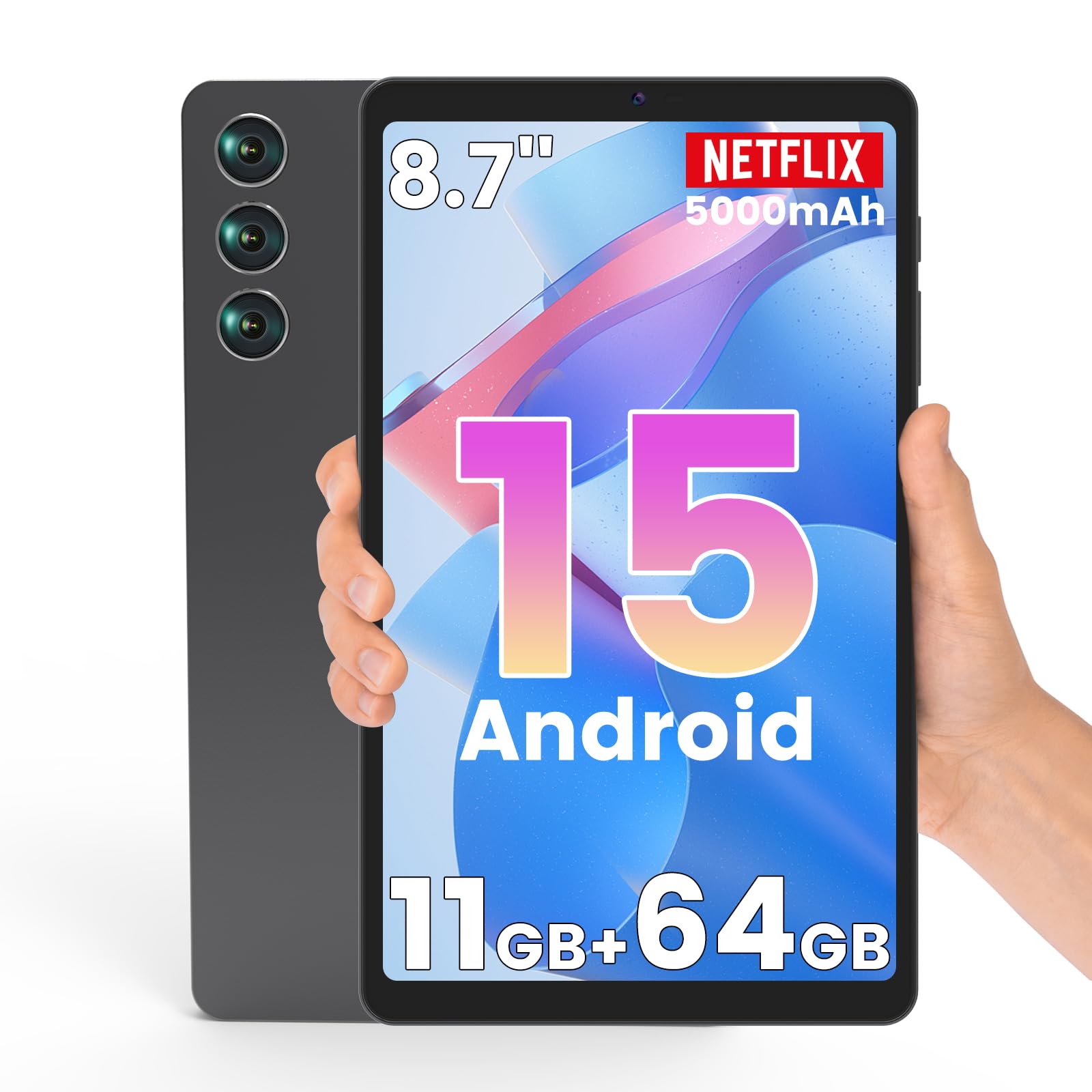
Azeyou F8

79 /100
Traveler Score Very Good

Key details

Weight
12.7 oz
Battery
5000 mAh, up to 8 hours video
Display
8.7 in, 1340 x 800
Storage
64 GB, microSD to 2 TB
Check Details on Amazon

GPS and Widevine L1 are the two lines that make this budget 8.7-inch tablet interesting for travel. Widevine L1 is the certification streaming services look for before they serve HD, and GPS means offline maps on a device that isn't your phone — a second screen for a rental car, or a walking map you don't mind holding in a strange city.

The rest is sensible for the money: 64GB of storage with a microSD slot that takes up to 2TB, dual-band Wi-Fi, a 3.5mm jack, and a 1,340 x 800 in-cell display with the same resolution as the Samsung that costs more. At 361 grams it won't drag on a day bag, and the 5000 mAh cell is rated for up to eight hours of video. We treat it as a spare screen rather than the tablet you do everything on, and at that job it is easy to justify.

Pros

  • GPS for offline maps
  • Widevine L1 for HD streaming
  • 64GB with microSD to 2TB

Cons

  • Six-month manufacturer warranty
  • Unisoc T310 is a budget chip
Our verdict

For maps in a rental car and HD streaming in a tent, the Azeyou F8 covers both for very little, and we treat it as a second device rather than your only one.

Check Latest Price
7

Typing on Trips

YESTEL 10.1 Tablet

88 /100
Traveler Score Excellent

Key details

Memory
12 GB (6 GB + 6 GB expandable)
Display
10.1 in
Storage
128 GB, microSD to 1 TB
In The Box
Keyboard, mouse, case
Check Details on Amazon

The bundle is the story here: a Bluetooth keyboard, a mouse, a foldable case, and 128GB of storage in the box. If you want to answer email and type notes on a trip without carrying a laptop, this is the lowest-cost way to try that among these picks, and the case doubles as a stand for a hotel desk.

The memory number needs translating. The 12GB headline is 6GB of real RAM plus 6GB of virtual expansion, and virtual memory is not the same thing as physical memory once you have several apps open. Storage is genuinely generous at 128GB with a microSD slot that takes up to 1TB, the Wi-Fi covers both 2.4GHz and 5GHz, and the 10.1-inch screen is the size most people picture when they think of a travel tablet.

Buy it for the keyboard and the storage, not for the software. As a typing and streaming machine for a week away, it does the job for the least money on this page; as the tablet you plan to keep for four or five years, the Lenovo and Samsung picks are the safer spend.

Pros

  • Keyboard, mouse, and case included
  • 128GB storage plus microSD to 1TB
  • Dual-band 2.4G and 5G Wi-Fi

Cons

  • Android 13, three versions behind current
Our verdict

We point typists at the YESTEL bundle: keyboard, mouse, case, and 128GB in one box, provided you accept older software and don't expect years of updates.

Check Latest Price

How We Tested Travel Tablets

We built the shortlist by looking at current tablets sized for a personal item—roughly 8 to 13 inches—then filtering for all-day battery claims, Wi-Fi 5 or newer, and a spread of prices and sizes. From that pool we bought 11 and used them for nine months. Each one went on at least two trips and lived in a backpack or tote between them.

On the road, we used them the way you would: downloading shows before a flight, watching from a tray table, pulling up maps and boarding passes at the gate, joining hotel and café networks, and pairing headphones. We timed a video loop from full charge to shutdown, checked standby drain overnight, and noted whether they reconnected to Wi-Fi without fuss after waking. Screen tests were simple: streaming a movie, reading outside at midday, and tilting the display to see how quickly colors washed out.

For speed and performance, we opened a handful of apps, switched between them, and watched for stutter during downloads. Ease of use meant setup without the manual, finding the settings we needed, and handing the tablet to someone else without a tutorial. We also carried each one daily to judge size and weight, checked build quality around buttons and ports, and kept notes on reliability—dropped Wi-Fi, surprise restarts, battery that faded over months. The finalists are the ones we kept reaching for even when we didn't have to.

How to Choose Tablets for Travel

Weight and screen size come first

The 8.7-inch tablets here run from 11.2 to 15.2 ounces, while the 11-inch models sit around 1.1 pounds. That gap is the whole argument. A small tablet rides in a tote beside a water bottle and comes out at a café; a big one wants its own sleeve and a reason to be carried. Neither is wrong, because the larger screen is genuinely better for a movie in a hotel room.

Decide by how the tablet travels. If it shares a bag with a camera and a jacket, take the light one — the Lenovo Tab One at 11.2 ounces is the easiest of these to forget about. If it replaces a laptop for email and notes, the extra inches pay you back every evening.

Resolution and brightness, not just inches

Two 8.7-inch tablets can look nothing alike. A 1,340 x 800 panel is fine for video and comfortable for reading, but a 2,560 x 1,600 screen across 11 inches is what makes a two-page PDF or a dense itinerary readable without pinching. Resolution is also the spec budget tablets quietly trim, so check it before you start comparing prices.

Brightness is the other half. Around 480 to 500 nits is the range to look for if you like a window seat, and both the Idea Tab and the Tab One sit there. Below that, a sunny departure lounge turns into a hunt for shade.

Battery, chargers, and long days

Rated streaming hours tell you more than milliamp-hours because they account for the screen and the chip. Ratings in this group run from about eight hours of video to twelve and a half, which is the difference between one flight and a full travel day without a socket.

Two checks before you pack: whether an adapter is in the box (the Galaxy Tab A11 doesn't include one), and whether the tablet charges over USB-C from a power bank you already own. A tablet that only charges from its own dock is a tablet you leave behind.

Storage for offline downloads

Thirty-two gigabytes disappears once you download a season of a show and a few maps; 64GB is comfortable for a week; 128GB and up means you stop managing it. The Fire HD 10 takes a card up to 1TB and the Galaxy Tab A11 up to 2TB, so a cheap memory card can do the work of a bigger model.

If you stream everything over hotel Wi-Fi, storage matters less than a good screen. If you fly a lot and hate paying for seat-back Wi-Fi, buy the storage and skip the upgrade elsewhere.

Software, app stores, and where it was made

Two things trip people up after the box is open. The first is the app store: Amazon's Fire tablets run Fire OS rather than Google's Android, so the Play Store isn't there by default and a few streaming apps simply aren't offered. The second is the model's region — some listings are international versions sold without a local warranty, and a few don't list the United States during setup, so you pick another country and change it later.

If a warranty matters to you, check the model number and the warranty line before you buy rather than after. A US-spec Lenovo or Samsung is the safer buy for a tablet that will cross borders in a bag.

Frequently Asked Questions

Final Verdict

For most travelers, the Lenovo Idea Tab is the tablet to buy. It has the sharpest screen in this group, a pen and folio case in the box, 256GB for downloads, and a body light enough to carry all day without thinking about it.

Change one requirement and the answer changes: the Galaxy Tab A11+ is the better buy for a household tablet that needs a two-year warranty and speakers worth listening to, and the Lenovo Tab One is the one to pack when bag space, not budget, is the constraint.