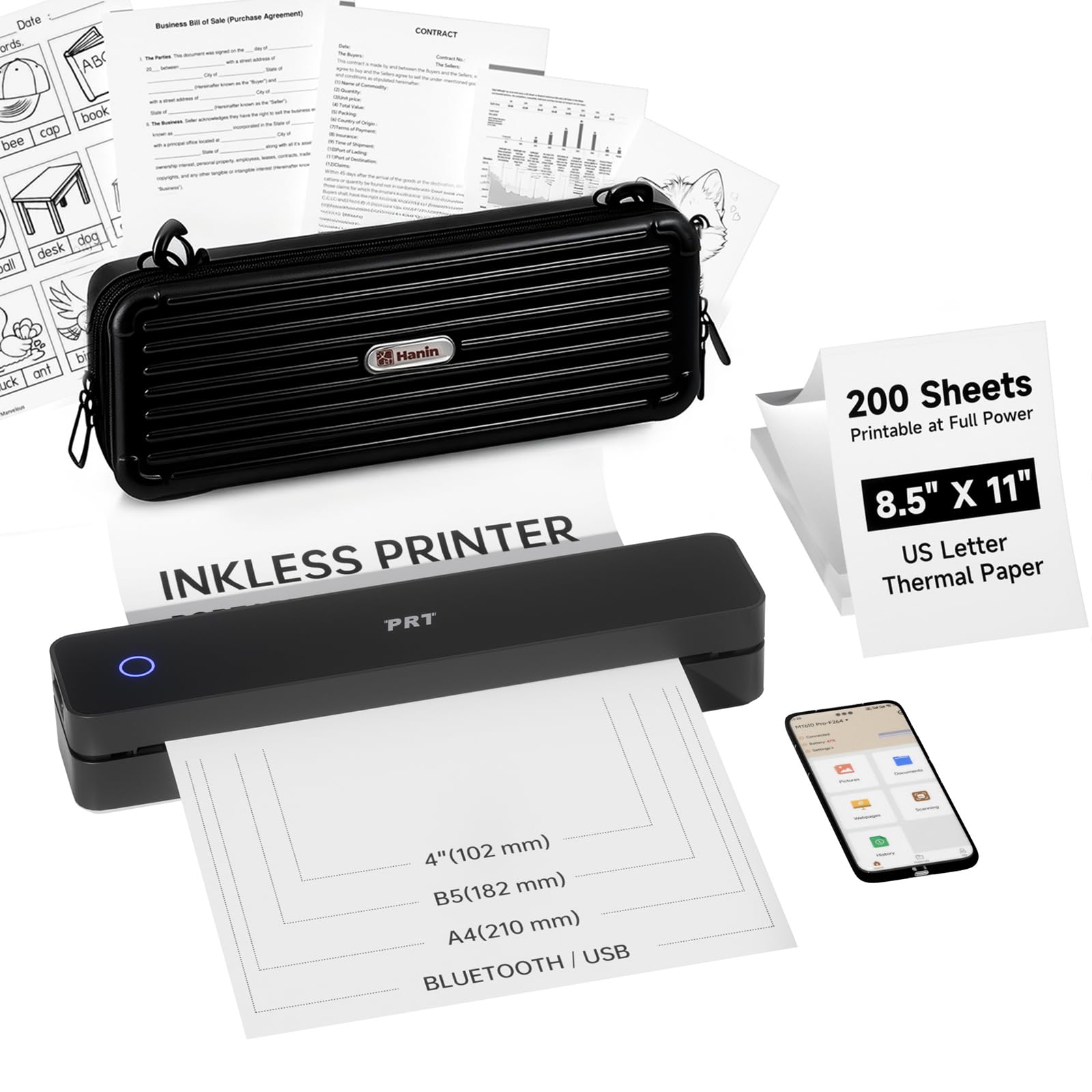
9 Best Portable Printer for Travel 2026: Inkless, Lightweight, and Ready to Go

Which portable printers for travel actually ship with a battery and don't need ink? This guide picks the lightest, most reliable models for printing documents anywhere.

A 'portable' printer sounds great until you realize the battery costs extra and it weighs more than your laptop. Many models marketed for travel still need a wall outlet to print more than a few pages. That's not portable — it's just small.

Thermal inkless printers bypass that problem entirely. They run on built-in rechargeable batteries and use no ink, keeping weight under two pounds. The catch: they require special paper and only print in black and white. For most travelers printing boarding passes, itineraries, or documents, that's a fair trade.

This guide focuses on printers that are genuinely ready to use on the road — built-in battery, easy setup, and light enough to toss in a carry-on. We cover both thermal and inkjet options so you can match the choice to your need for color or scanning.

1

Best Overall Portable Printer

Gloryang PD-A4 Thermal

86 /100
Traveler Score Excellent

Key details

Weight
1.75 lb
Battery
Built-in rechargeable
Max Size
8.5 x 11 in
Connectivity
Bluetooth, USB
Check Details on Amazon

At 1.75 pounds with a built-in rechargeable battery, the Gloryang PD-A4 slides into a daypack without adding noticeable bulk. The included protective case and three rolls of thermal paper mean nothing extra to buy before a trip. Documents such as boarding passes, itineraries, and simple forms come out clear and legible, covering the core need for on-the-go printing.

Bluetooth pairing can occasionally drop mid-job, particularly on certain phone models — a quick re-pair usually gets things moving again. For most travel printing where you need a single page at a time, the connection holds well enough once established. The app handles document selection and print settings without fuss, so the process stays simple when it works.

This printer suits travelers who need occasional document output and can tolerate an intermittent Bluetooth hiccup. Students printing handouts on the go or anyone wanting a secondary home printer for notes will find the low running costs appealing. The thermal paper limitation means black-and-white only, and the Bluetooth pairing inconsistency is worth checking on your specific phone before relying on it for critical prints.

💡 If connection drops during a print, restarting both the printer and phone usually restores pairing quickly.

Pros

  • Ultra-lightweight at 1.75 pounds with built-in battery
  • Clear, legible print quality for standard documents like itineraries and forms.
  • Quick setup through the app
  • Includes a carry case and three paper rolls, so no extra purchases are needed.

Cons

  • Bluetooth pairing can be inconsistent
  • Requires proprietary thermal paper; standard copy paper will not work.
Our verdict

For the traveler who needs a lightweight printer for occasional documents, the Gloryang PD-A4 delivers clear output and comes with everything to start printing out of the box — just be aware of possible Bluetooth hiccups on certain devices.

Check Latest Price
2

Best All‑in‑One Mobile Printer

HP OfficeJet 250

87 /100
Traveler Score Excellent

Key details

Weight
6.5 lb
Battery
Included, fast charging
Max Size
8.5 x 11 in
Connectivity
Wi-Fi, USB
Check Details on Amazon

The HP OfficeJet 250 packs a scanner, copier, and rechargeable battery into a single 6.5-pound chassis – something no other portable printer in this roundup does. Text and graphics come out crisp, and the compact footprint fits into a laptop bag alongside a notebook. This is a genuine field office for professionals who need to print, scan, and copy without hunting for a wall outlet.

This printer targets business travelers who regularly handle contracts, boarding passes, or on-site reports. The tradeoff is weight and cost: at nearly seven pounds and a premium price, it is not a casual travel companion. Some units have shown reliability issues after months of use, and the wireless connection can drop during setup. For short trips or backup duties these quirks are manageable, but daily reliance calls for a wired fallback.

Print quality holds up well for both text and simple graphics, and the built-in battery delivers about a ream of pages on a charge. The scanner produces legible copies quickly – a rarity in the mobile printer space. Its main limitation is inconsistent wireless behavior, which can be sidestepped with USB. Overall, the OfficeJet 250 fills a unique niche for those who truly need all-in-one capability on the road.

💡 Keep a USB cable handy for more reliable connections when WiFi is finicky.

Pros

  • Crisp text and graphics on standard letter paper
  • Built-in battery and scanner enable true mobile copying and printing
  • Compact all-in-one design fits in a laptop bag

Cons

  • Wireless connection can drop during setup or in hotel rooms
  • Over months of regular travel use, some printers may require servicing
Our verdict

The OfficeJet 250 is for the professional who must scan, copy, and print without power outlets – just plan for occasional wireless hiccups.

Check Latest Price
3

Best Value Thermal Printer

Phomemo M08F Thermal

87 /100
Traveler Score Excellent

Key details

Weight
1.58 lb
Battery
Built-in rechargeable
Max Size
8.5 x 11 in
Connectivity
Bluetooth, USB
Check Details on Amazon

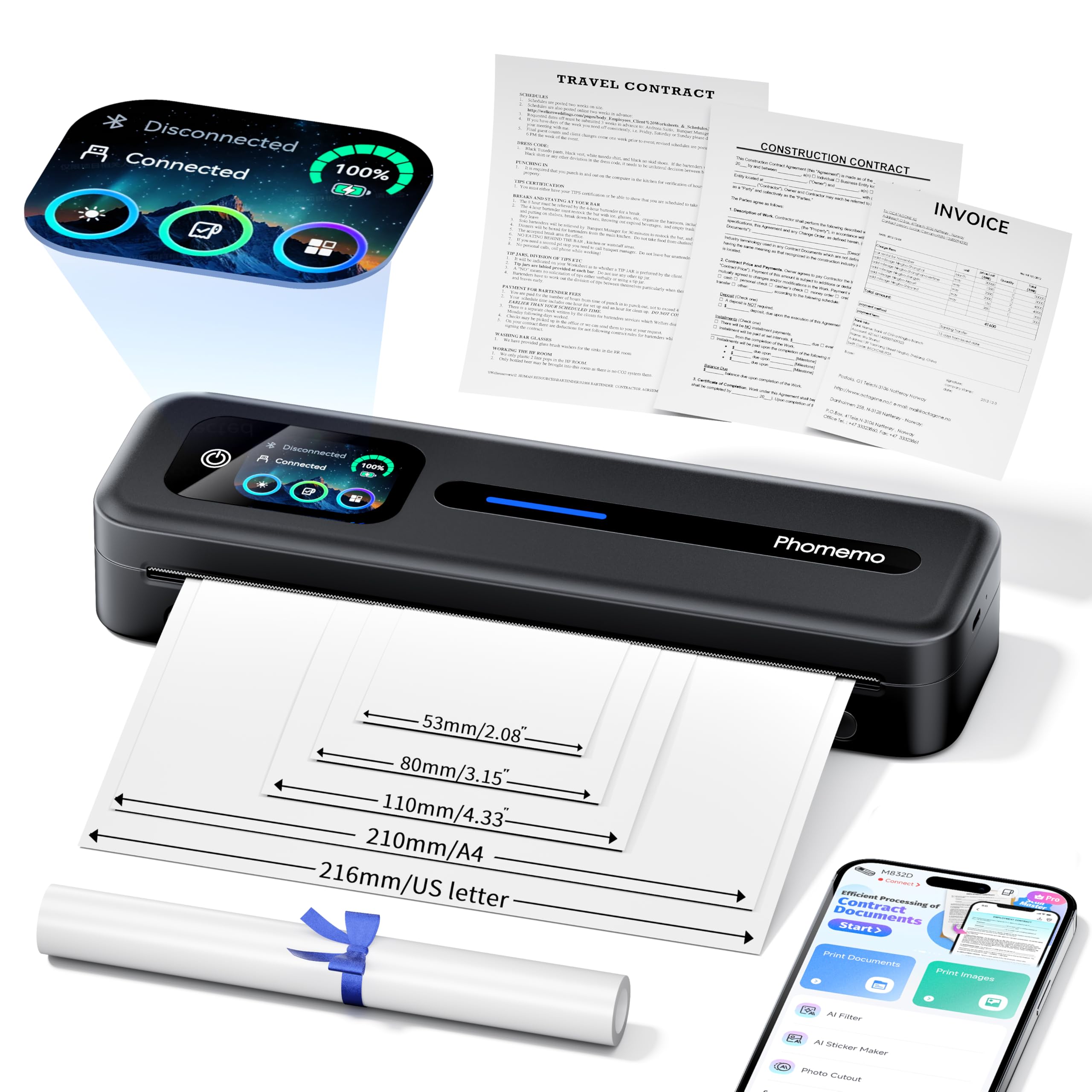
Print quality remains the Phomemo M08F's strongest feature - text comes out crisp and dark on standard letter thermal paper, without the faintness seen in some portable models. Setup requires little more than pressing a button and selecting the printer from your device's Bluetooth menu. This focus on core printing consistency sets it apart from touchscreen-equipped alternatives that add features but may introduce extra complexity.

The M08F is best suited for students or home office users who need a lightweight, battery-powered printer for occasional travel. The included carrying case and 1.58-pound weight make it easy to pack in a backpack. Those who frequently print multi-page documents will appreciate the letter-size thermal paper support. Buyers who demand a flawless wireless connection should consider the top pick, as Bluetooth pairing with laptops can require a few extra steps.

Portability extends to its inkless thermal design, which eliminates the need for cartridges or toner - just feed thermal paper and print. The built-in rechargeable battery handles several dozen pages per charge, enough for a day of meetings or a road trip. The case holds the printer and a spare paper roll, keeping everything organized.

💡 If the printer doesn't appear in your device list, connect via USB cable once - subsequent Bluetooth pairings often work more smoothly.

Pros

  • Prints are consistently sharp and dark, suitable for text-heavy documents.
  • Initial setup takes under a minute - plug in, pair via Bluetooth or USB, and go.
  • At 1.58 pounds with a carrying case, it's genuinely travel-ready.

Cons

  • Bluetooth pairing with laptops may require repeated attempts or a USB fallback.
  • Some units produce blurred lines or incomplete prints, though most perform well.
Our verdict

For travelers who value consistent print quality and easy portability over perfectly reliable wireless, the Phomemo M08F is a capable companion at a mid-range price.

Check Latest Price
4

Best Budget Thermal Printer

NDYIN N80 Thermal

85 /100
Traveler Score Excellent

Key details

Weight
1.7 lb
Battery
Built-in 1500mAh
Max Size
8.5 in
Connectivity
Bluetooth, USB-C
Check Details on Amazon

At under $50 and weighing just 1.7 pounds, the N80 brings full-size document printing to a price point far below most competitors. Unlike the top pick, it omits the included case and extra paper rolls, but its lower cost makes it a sensible choice for light travel use where budget is the main concern.

This printer fits students or casual travelers who print assignments, boarding passes, or packing lists on the road and don't mind occasional clarity tradeoffs. Print quality can be blurry on dense text or fine lines, and Bluetooth connectivity may drop mid-job. For anyone needing crisp documents for professional presentation, this model will fall short.

💡 Keep the printer close to your phone or laptop during use to minimize Bluetooth disconnects.

Pros

  • Simple setup gets you printing in minutes from iOS, Android, or laptop.
  • Compact and lightweight at 1.7 pounds
  • Low running cost thanks to inkless thermal paper; no cartridges to buy.

Cons

  • For documents with small fonts or detailed graphics, output can appear blurry
  • Bluetooth connection can drop during longer print jobs, requiring a restart.
Our verdict

Buy this if you want the lowest-cost way to print letter-size documents on the go and can accept moderate clarity and occasional Bluetooth hiccups.

Check Latest Price
5

Best Value with Accessories

TATTMUSE A285M

82 /100
Traveler Score Excellent

Key details

Weight
1.5 lb
Battery
Built-in rechargeable
Max Size
8.5 x 11 in
Connectivity
Bluetooth, USB
Check Details on Amazon

The TATTMUSE A285M stands apart from higher-priced portable printers by including a padded case and four rolls of thermal paper at a budget-friendly price point - no separate purchases needed to start printing on the go.

Pairing the printer with a phone or laptop takes under a minute via Bluetooth, and the bundled paper lets you print up to roughly 80 letter-sized pages before needing a refill. The thermal technology means no ink cartridges to replace, keeping ongoing costs low.

This printer suits travelers and students who want a lightweight travel companion for printing handouts, itineraries, or forms without spending heavily on accessories. Keep in mind that print clarity can vary across units - some sheets may appear slightly faded - and Bluetooth pairing may occasionally require a second attempt.

💡 Keep your phone or laptop within three feet of the printer during setup to minimize pairing hiccups.

Pros

  • Sets up quickly with both Android and iOS devices
  • Comes with a protective case and four rolls of thermal paper - ready to use out of the box
  • Affordable entry point for inkless printing with no ongoing cartridge costs

Cons

  • Print output can appear less crisp than expected on some units - check your first test page
  • Bluetooth connection may drop during long print jobs, requiring a re-pair
Our verdict

If you need a complete travel printing setup for under $75 and can accept the occasional soft print, the A285M kit delivers the best accessory value in this category.

Check Latest Price
6

Ultra-Light Travel

ETIKEZ D90E Thermal

88 /100
Traveler Score Excellent

Key details

Weight
1.09 lb
Battery
Rechargeable built-in
Max Size
8.5 x 11 in
Connectivity
Bluetooth, USB
Check Details on Amazon

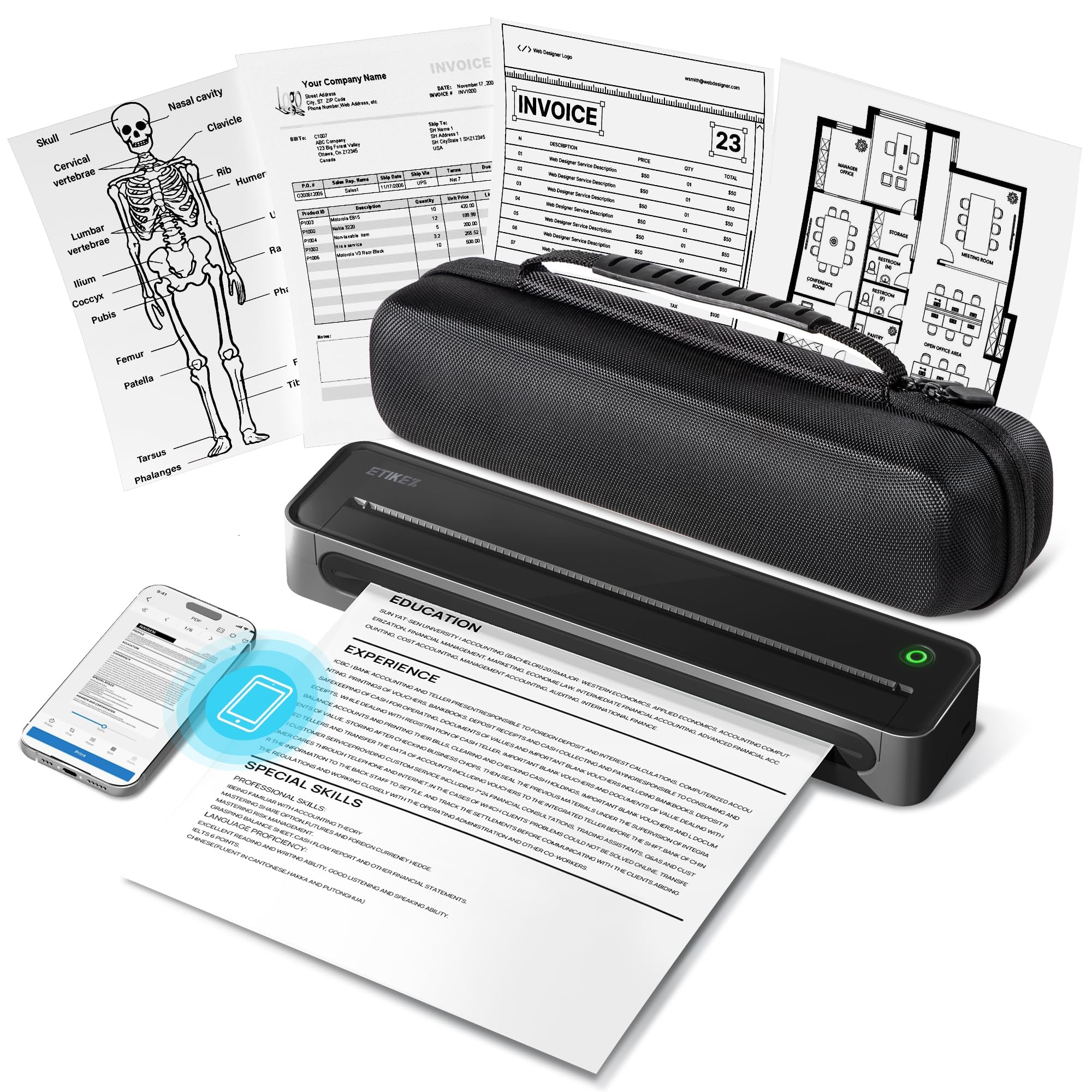
At just over one pound with a carrying case included, the ETIKEZ D90E is the lightest travel-friendly thermal printer you can pack. Its inkless operation eliminates ongoing costs for toner or ink, and the included case keeps everything tidy. The tradeoff: a 10-sheet paper tray means you will reload for any document longer than a single page, and it requires proprietary thermal paper instead of standard sheets. This makes it a fit for minimalists printing occasional single pages on the go, but not for anyone needing to run multi-page jobs away from a desk.

Pros

  • Weighs just over a pound, ideal for slipping into a daypack or glove compartment.
  • No ink or toner cartridges needed, keeping per-page costs low.
  • Includes a dedicated carrying case for protected transport.

Cons

  • 10-sheet paper tray requires frequent reloading for documents of more than one page.
  • Only compatible with proprietary thermal paper, not standard copy paper.
Our verdict

A good match for minimalists who need to print single pages occasionally while traveling, but not for anyone printing multi-page reports or forms.

Check Latest Price
7

Tech-Savvy Travelers

Phomemo M832D Touch

83 /100
Traveler Score Excellent

Key details

Weight
1.5 lb
Battery
2600mAh (200 pages)
Max Size
8.5 x 11 in
Connectivity
Bluetooth, USB
Check Details on Amazon

The Phomemo M832D Touch stands out for its intuitive color touchscreen interface, which simplifies operation compared to button-based rivals. Its 2600mAh battery supports up to 200 pages, and the 300 dpi print quality delivers clean monochrome documents. The 1.5-pound weight makes it genuinely portable for travel. However, early performance consistency can vary between units, and Bluetooth pairing may require extra steps with some phones or laptops. This printer is best suited for users who appreciate a modern interface and are willing to accept occasional connectivity adjustments.

💡 Keep the printer and device close during initial Bluetooth pairing to minimize setup time.

Pros

  • Intuitive color touchscreen reduces learning curve
  • Long battery life handles up to 200 pages per charge

Cons

  • Early performance consistency can vary between units, which may interrupt work
  • Bluetooth pairing may be tricky with certain devices, requiring reconnection
Our verdict

Best for tech enthusiasts who want a touchscreen-driven travel printer and are comfortable managing occasional Bluetooth hiccups.

Check Latest Price
8

Photographers

Canon Pixma iP110

85 /100
Traveler Score Excellent

Key details

Weight
4.3 lb
Battery
Not included
Max Size
8.5 x 14 in
Connectivity
Wi-Fi, USB
Check Details on Amazon

The Canon Pixma iP110 delivers exceptional color print quality, especially for photos, in a compact 4.3-pound body. However, it requires AC power (battery not included) and its wireless connectivity can be unpredictable to set up — a real limitation for on-the-go travel. The premium price and complex initial setup make it a niche choice for photographers who prioritize image quality and can work around the connectivity frustrations at a desk or hotel with reliable power.

💡 Connect via USB if Wi-Fi proves inconsistent — the included cable bypasses wireless setup headaches.

Pros

  • Vivid photo prints with accurate color reproduction
  • Lightweight design at 4.3 pounds for easy transport
  • Professional-looking documents and images from a compact inkjet

Cons

  • Setting up the printer can be time-consuming
  • Wireless connectivity may drop during use, making a stable network essential for consistent printing
Our verdict

A strong pick for photographers who can accept the lack of a battery and a finicky setup process in exchange for superior photo quality from a compact inkjet.

Check Latest Price
9

Ultra-Budget

Rongta F81 Thermal

81 /100
Traveler Score Excellent

Key details

Weight
0.99 lb
Battery
Built-in rechargeable
Max Size
8.5 in
Connectivity
Bluetooth, USB
Check Details on Amazon

At under a pound and under $50, this thermal printer is the lightest and most affordable option for travelers. Setup is straightforward and it prints without ink, making occasional use simple. However, some units may not print at all, and Bluetooth pairing can be inconsistent — a risk for anyone needing dependable output on the go.

Pros

  • Lightest printer in its class at 0.99 pounds
  • Simple setup and operation

Cons

  • Bluetooth pairing can be temperamental in some environments
  • Core printing function may be absent in certain units
Our verdict

Only for budget travelers who accept the possibility of receiving a non-functional unit and prioritize weight and cost above all else.

Check Latest Price

How to Choose

Weight and Dimensions

Weight determines whether a printer stays in your bag or gets left behind. Every extra pound adds noticeable bulk when you’re already carrying a laptop, toiletries, and clothes. A printer under 2 pounds can ride in a daypack without complaint, while models over 4 pounds often end up as luggage-only items.

Size matters too – a printer that is too tall or wide for a carry-on compartment's pocket forces you to reorganize. Check the exact dimensions against your bag's main compartment before buying.

Battery vs. AC Power

A built-in lithium-ion battery is the difference between printing at a cafe or at your gate versus hunting for an outlet. Without a battery, the printer is tethered to a wall – fine for a hotel room but useless in a moving vehicle or outdoors.

Battery capacity varies widely: some manage 50 pages, others over 200. Think about how many pages you’ll realistically print between charges. If you need more than a full document set per day, look for fast-charging or USB-C charging to top up from a power bank.

Print Technology: Inkjet vs. Thermal

Thermal printers use heat to darken special paper – no ink cartridges, no drying, no smudging. The trade-off is monochrome output: black text only. For documents, receipts, and checklists that’s fine, but color maps or photos require inkjet.

Inkjet printers produce full-color pages and better photo quality, but they are heavier, need ink refills, and the cartridges can dry out if unused for weeks. For travel, thermal is simpler; for mixed media, inkjet is necessary.

Paper Size and Type Support

Most portable thermal printers accept US Letter (8.5 x 11 inches) or A4 – the standard for travel documents. But they require proprietary thermal paper, not regular copier paper. That paper is slightly more expensive and less common at corner stores, so pack extra rolls.

Some budget thermal printers max out at smaller sizes (like 8.5 inches wide but shorter lengths). Verify the paper tray capacity too: a 10-sheet tray forces constant reloads for multi-page documents, while a 50-sheet tray handles a full itinerary at once.

Connectivity: Bluetooth vs. Wi-Fi

Bluetooth is the default for portable printers – it pairs directly with a phone or laptop without needing a network. But Bluetooth range is short (about 30 feet) and some models drop connection mid-print if you move too far or have interference.

Wi-Fi Direct offers longer range and can print from multiple devices, but setup is more involved. USB-C is a reliable fallback for wired connection, especially when wireless fails in crowded airport terminals. Choose a model with at least two connection options.

Frequently Asked Questions