9 Best Luggage Trackers in 2026: Live Location Without the Guesswork

Find the right luggage tracker for your phone and travel style, from Apple Find My tags to true GPS with global coverage.

Most listings for luggage trackers say GPS, but the majority are Bluetooth tags that depend on nearby phones to report a position. That distinction matters when a bag leaves the airport: a Bluetooth tag updates only when it passes someone using the same network, while a cellular GPS tracker broadcasts its location directly.

The right choice starts with your phone and your routes. Apple users get the largest crowd-location network, Samsung owners get UWB precision inside SmartThings, and mixed-device households can pick a rechargeable tag that works with either ecosystem. Frequent international flyers may need the subscription-based GPS route.

Battery serviceability is the quiet deciding factor. A sealed tracker that dies after a few trips is a disposable, not a travel tool. The guides below separate the tags worth packing from the ones better left at home.

1

Best Overall

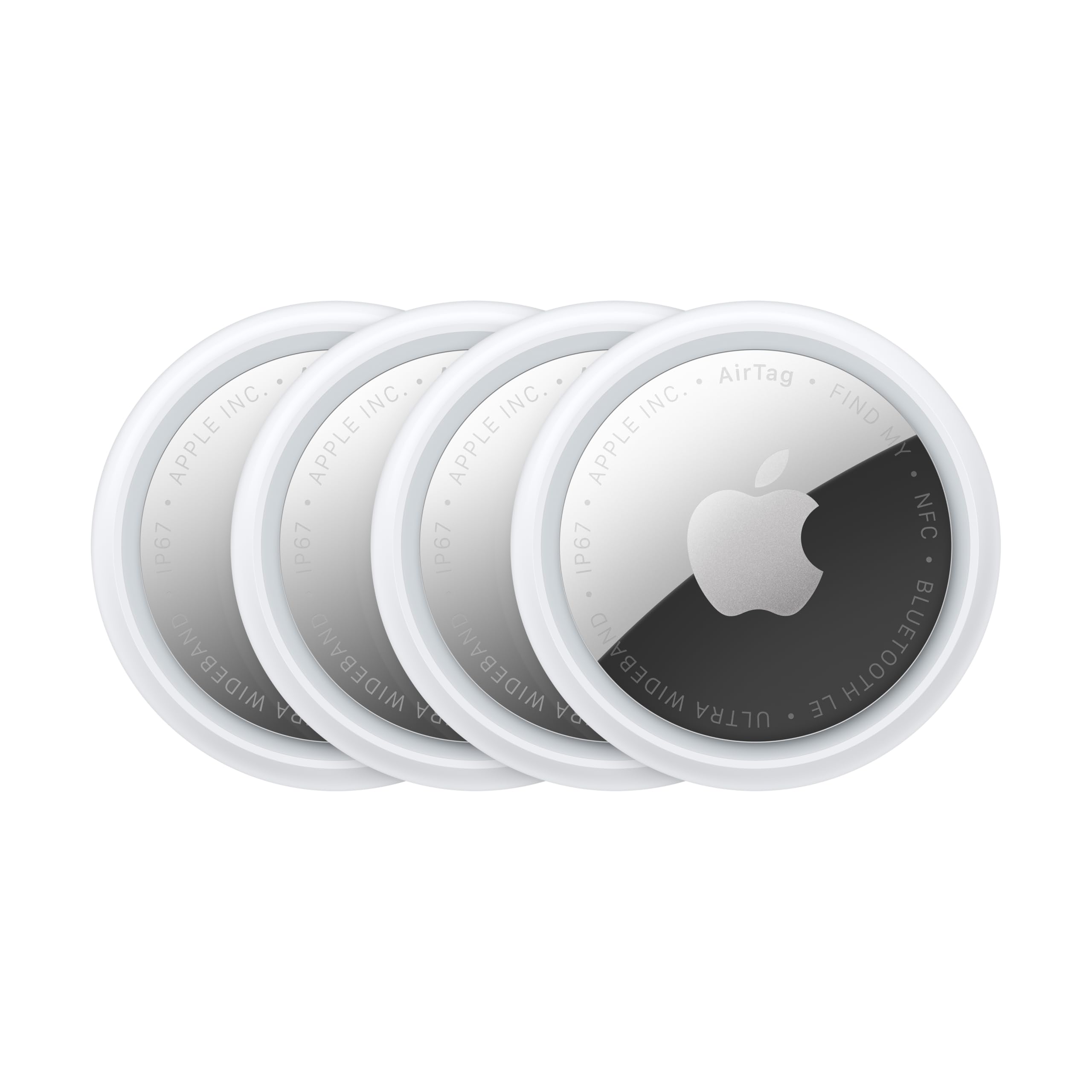
Apple AirTag 4-Pack

96 /100
Traveler Score Outstanding

Key details

Battery
Replaceable CR2032
Ecosystem
Apple Find My
Network Type
Crowd Bluetooth
UWB Precision
Yes
Check Details on Amazon

UWB Precision Finding is the clearest differentiator: an on-screen arrow points to the exact bag, not a shaded circle. The arrow tightens as you move, which turns a baggage claim search into a direct line instead of a slow sweep. The Find My network surrounds the tag with location pings from nearby iPhones, so a checked bag on a carousel can report its position even before you get close. That combination is what makes this set the reference point for iPhone luggage tracking.

The 4-pack format matches a typical trip: one tag for a checked bag, one for a carry-on, one for a backpack, and one for keys. IP67 water resistance covers rain and baggage-handling splashes, so the tag can ride on the outside of a suitcase without much thought. The shell also feels solid enough for years of baggage carousels, which matters more than the sticker price for travelers who pack these on every trip.

The Find My network handles airport reality well: a bag that took a wrong connection or landed on a different carousel can still be located by any nearby iPhone. In that sense it behaves like a crowdsourced location service, not a radio tracker. Like every Bluetooth crowd-network finder, this is not a live GPS tracker; map updates can lag by minutes and only refresh when a Find My device passes within range. For the way bags usually get lost, that event-driven update is enough; for minute-by-minute GPS on a remote tarmac, it isn't.

Buyers in the Apple ecosystem get the full experience: Precision Finding, Find My alerts, and separation warnings all run through an iPhone. The Apple-only boundary is the main restriction, so an Android user or a mixed-device travel group should look at cross-platform or GPS options before committing to this 4-pack. Precision Finding requires a UWB-equipped iPhone; older devices still get the map view but not the arrow. If a tag arrives with a low-battery warning, swapping in a fresh CR2032 before the first trip solves it quickly.

The premium price is tied to what the other Find My tags in this comparison don't include: UWB hardware and the close-range arrow. Cheaper tags can report a general map position, but that is not the same as walking up to a bag and having the phone point you to the handle.

๐Ÿ’ก The close-range arrow appears only after Bluetooth connects, so move near the bag to trigger Precision Finding.

Pros

  • UWB Precision Finding puts an on-screen arrow on the bag; close-range searches become a direct line instead of a sweep.
  • Any nearby iPhone can report the tag's location, so a bag on the wrong carousel is still findable.
  • Four tags cover a checked bag, carry-on, backpack, and keys in one purchase.
  • IP67 water resistance and a solid shell stand up to suitcase exteriors and airport weather.

Cons

  • Pairing can take a second attempt on some iPhones, and the reset routine is specific to AirTag.
  • No USB-C charging; power comes from a coin-cell swap rather than a cable.
Our verdict

For iPhone-based travel, this set closes the gap between 'somewhere in the terminal' and 'that handle right there'.

Check Latest Price
2

Best Cross-Platform Rechargeable

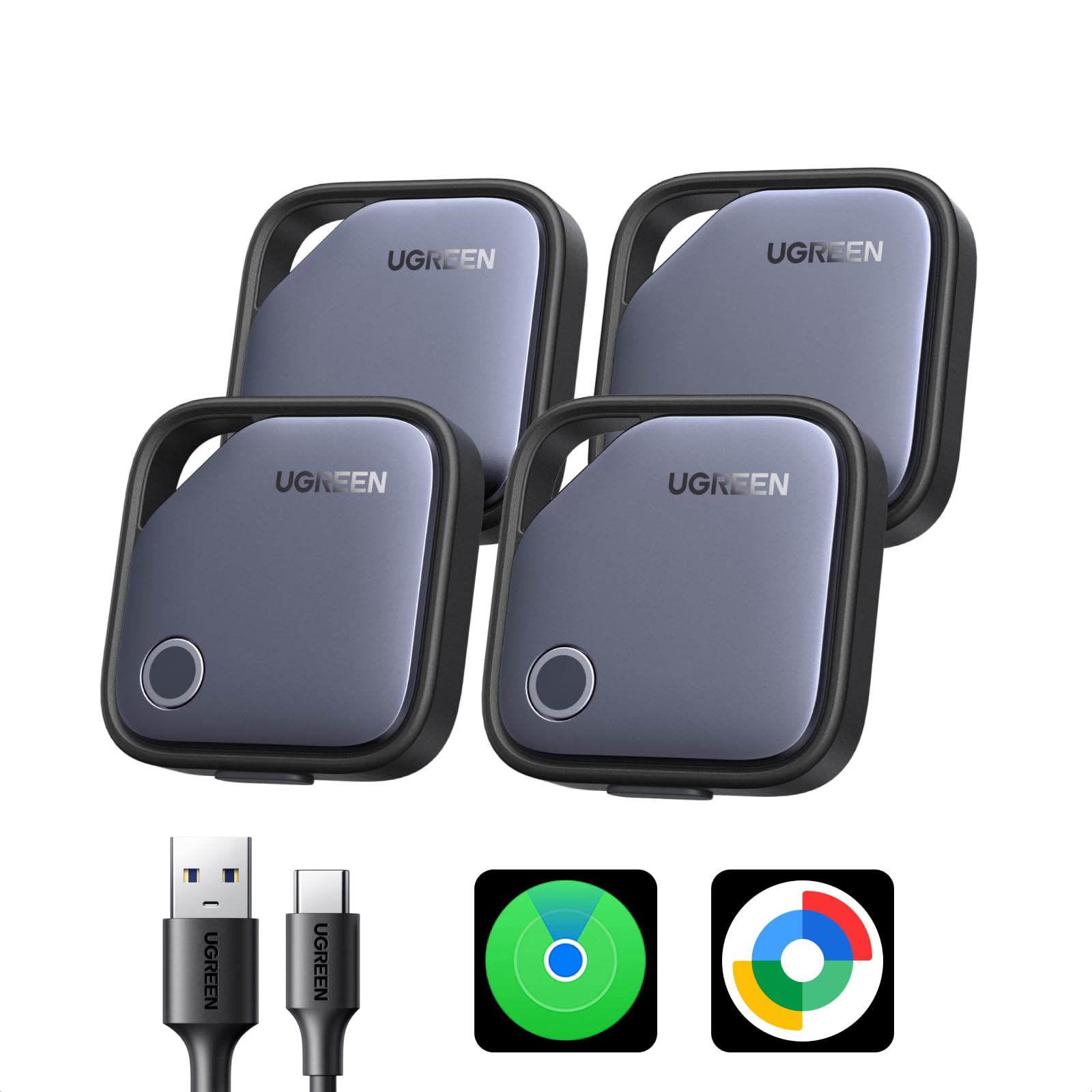
UGREEN Finder Duo 4-Pack

86 /100
Traveler Score Excellent

Key details

Battery
Rechargeable USB-C
Ecosystem
Apple or Google
Network Type
Crowd Bluetooth
UWB Precision
No
Check Details on Amazon

The Finder Duo's USB-C charging eliminates the coin-cell replacement ritual, with a single charge rated around a year of use. That makes it the convenient crossover in this tracker set: one tag can join Apple Find My or Google Find Hub, so the same 4-pack covers a family that isn't all on one phone platform.

This is the right pick for mixed iOS/Android households that want one set of luggage tags to share across bags. Each tag pairs to one ecosystem at a time, so the same tag cannot report to both an iPhone and an Android phone simultaneously. Travelers who expect live GPS map tracking need to understand that this is a crowd-network finder: location updates depend on nearby phones in the chosen network, so a misplaced bag may not refresh right away.

Priced in the mid-range, the 4-pack costs less than assembling separate single-ecosystem trackers for a mixed household. Since the tags use Apple Find My and Google Find Hub, there is no subscription fee on either platform.

๐Ÿ’ก Pack a USB-C cable with your travel charger; the tags need a recharge about once a year.

Pros

  • USB-C rechargeable cell holds about a year of use, so there is no coin-cell replacement.
  • Setup through either app is quick, and the tag build holds up to the bumps of travel.
  • The beeper is loud enough to locate a bag in a nearby car or overhead bin.
  • One 4-pack covers both iOS and Android users, lowering per-person cost for mixed households.

Cons

  • Close-range searching lacks UWB Precision Finding, so the app shows a map location instead of a directional arrow.
  • App updates can drop or show 'location not available' messages while searching.
Our verdict

For mixed-device households, this rechargeable 4-pack is the luggage tracker that matches the phones you already own.

Check Latest Price
3

Best for Samsung Galaxy

Samsung SmartTag2 4-Pack

93 /100
Traveler Score Outstanding

Key details

Battery
Replaceable CR2032
Ecosystem
Samsung SmartThings
Network Type
Crowd Bluetooth
UWB Precision
Yes
Check Details on Amazon

UWB Precision Finding inside SmartThings is the differentiator here. When your Galaxy phone senses the tag at close range, the app points you toward the suitcase instead of leaving you to judge distance from a map circle.

The 4-pack is for Samsung households already using SmartThings, not for mixed-device travelers. The tag pairs with SmartThings on Galaxy phones and will not join Apple Find My or Google Find Hub, so non-Samsung Android users and iPhone-only households should pick a compatible alternative. Battery charge can vary between packs, so open the set before a trip and swap in a fresh CR2032 if any tag seems low.

The IP67 shell handles rain and ordinary baggage handling, and four tags at mid-range pricing cover a suitcase, a carry-on, and a personal bag. SmartThings keeps the crowd-network pings in the same app Samsung users already open for other family devices.

๐Ÿ’ก Place the tag in an outer pocket of the suitcase so Bluetooth reach to nearby Samsung devices is not blocked by dense packing.

Pros

  • Good Bluetooth range catches a bag moving through airport crowds and pings nearby Samsung devices for a location update.
  • Four tags at mid-range pricing cover a suitcase, a carry-on, and a personal bag without a subscription.
  • Setup in SmartThings is quick and runs directly from a Galaxy phone without an extra hub.
  • The tag holds its position once a bag is set down in a terminal or transit area, covering the usual where-is-my-suitcase moment.

Cons

  • Some location pings can lag behind the bag's actual position in a busy terminal.
  • Crowd-network positioning only updates when the tag comes near a connected Samsung device, so there is no live GPS position while the bag is in transit.
Our verdict

Galaxy owners who travel with a Samsung phone and want close-range bag guidance should put this four-pack at the top of their list. Everyone else should move on to an Apple or cross-platform option.

Check Latest Price
4

Best True GPS for International Travel

GEGOPro GPS Luggage Tracker

78 /100
Traveler Score Very Good

Key details

Battery
Rechargeable
Ecosystem
GEGO app
Network Type
Cellular GPS
UWB Precision
No
Check Details on Amazon

The GEGOPro is the only tracker in this set that reports a live point on a map through 4G LTE, rather than waiting for a passing Bluetooth phone to relay a ping. It held a position across multiple airports, and the global coverage means a checked bag can be located in a new country without depending on the density of nearby Apple or Android phones. The bag-opening alert is effective when the tag rides in a mesh pocket, giving a direct tamper signal that Bluetooth tags don't provide.

This is the tracker for frequent international flyers with high-value luggage or gear, and for anyone who wants a live global position without depending on nearby phones. The cellular service requires a paid subscription, and active live tracking drains the battery faster than Bluetooth tags; those are the tradeoffs that separate this from the crowd-network trackers in the category. Budget travelers, domestic low-stakes trips, and anyone unwilling to take on a cellular plan are better served by the cheaper Bluetooth options.

Where this tracker stands apart is the independence of the position fix. A Bluetooth crowd-network tag only appears when a phone running the matching network happens to pass by; the GEGOPro receives its position from GPS satellites and transmits it over 4G LTE, so the map coordinate is current rather than a last-seen estimate. Landing notifications and geofences add useful checkpoints, and the bag-opening alert covers the moment a zipper is pulled while the tag is inside.

๐Ÿ’ก Use flight mode between legs and charge before long travel days; save live tracking for the moments you need a current position.

Pros

  • Live 4G LTE positioning shows a current map location without relying on nearby phones.
  • Maintains a live position across multiple airports, which suits travelers on connecting flights.
  • Bag-opening alert works when the tag sits in a mesh pocket, adding a tamper checkpoint for checked bags.

Cons

  • Active real-time mode can drain the battery, so charging between airport legs becomes part of the routine.
  • The required cellular subscription adds an ongoing cost on top of the premium purchase price.
Our verdict

Frequent international flyers carrying high-value gear get the one live-map tracker in this set; other travelers are better served by a Bluetooth crowd-network tag.

Check Latest Price
5

Best Budget Apple 4-Pack

ANNNWZZD Tag 4 Pack

93 /100
Traveler Score Outstanding

Key details

Battery
Replaceable CR2032
Ecosystem
Apple Find My
Network Type
Crowd Bluetooth
UWB Precision
No
Check Details on Amazon

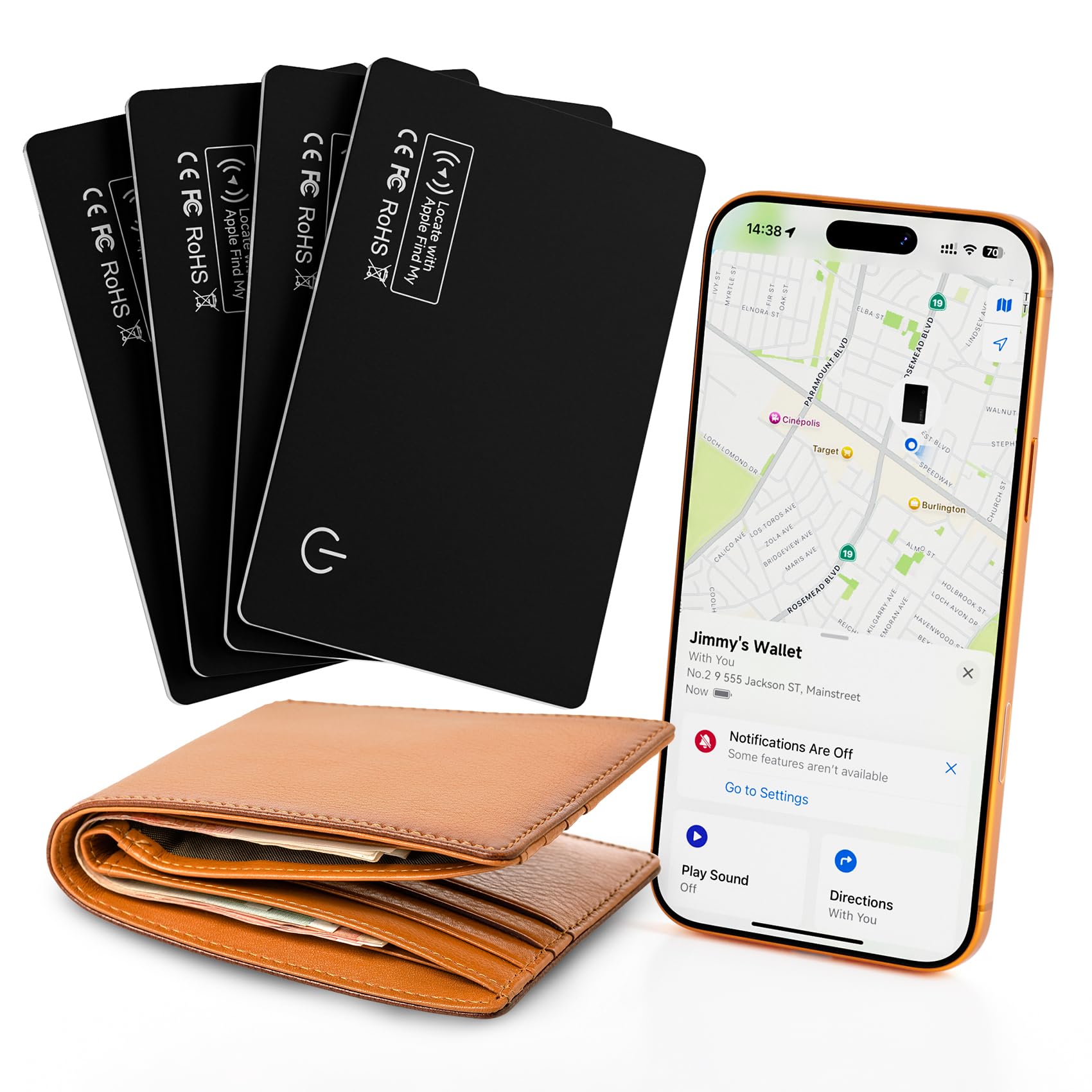
A four-pack of MFi-certified Apple Find My tags costs less than Apple's single AirTag at launch, and each one pairs directly with the Find My app on an iPhone. Replaceable CR2032 cells keep the whole set in service for another travel season once the first battery runs low.

Once paired, the tag behaves like any other Find My accessory: ping it from your iPhone, check the last map position when a bag is out of view, or set it to Lost Mode. At a baggage carousel, a chime plays when the tag is within Bluetooth range, and the map refreshes as other Apple devices pass the bag. That is the same network behavior as Apple's own tag; the difference shows up only at close range.

The strongest fit is an iPhone traveler who wants to put tags on a checked suitcase, a carry-on, and a backpack without paying AirTag prices. The tradeoffs are a map pin instead of an on-screen Precision Finding arrow and battery life that can vary from one unit to the next; a spare CR2032 in the luggage kit covers the second issue. Android users should look elsewhere, and anyone who needs room-level arrow finding should step up to the top pick.

Pros

  • Pairs with Apple Find My for the same core locating loop: ping, map position, and Lost Mode.
  • One-minute setup from a single iPhone; no extra account or subscription required.
  • Four tags in one budget-friendly pack, enough for a suitcase, carry-on, backpack, and keys.
  • Sturdy shell keeps the Find My connection steady across multiple weeks of travel.

Cons

  • Close-range locating uses a map pin instead of an on-screen arrow; you scan visually for the bag.
  • Battery life can differ between individual tags; some cells may arrive low or run down before the rated year.
Our verdict

For iPhone travelers who want to keep tabs on luggage without the usual AirTag pricing, this 4-pack covers the Find My basics.

Check Latest Price
6

Best Cross-Platform Single Tag

Life360 Tile Pro

89 /100
Traveler Score Excellent

Key details

Battery
Replaceable CR2032
Ecosystem
Tile/Life360
Network Type
Crowd Bluetooth
UWB Precision
No
Check Details on Amazon

The Life360 Tile Pro is the one tag in this set that pairs with both iOS and Android without committing a household to a single platform. Its 500-foot Bluetooth range clears a hotel floor, the chime is loud enough to find inside a packed bag, and the replaceable CR2032 battery keeps the tag useful past the first year.

Setup takes minutes, and the Life360 app adds phone finder and SOS access alongside the item map. That makes it a practical travel tag for people who also lose the phone they use to locate the bag.

This is the pick for a traveler who wants one tag for a camera bag, golf bag, or carry-on and needs it to work across an iPhone/Android household. It is not a live GPS tracker; location updates are crowd-network based and can lag by hours where few Life360/Tile phones are around.

Compared with the rechargeable dual-ecosystem tag in this set, the Tile Pro keeps a user-replaceable CR2032 and a 500-foot Bluetooth radius. That covers the common luggage moment: confirming which cart, corner, or car boot your bag ended up in.

๐Ÿ’ก Keep it in an outer compartment of the bag so the Bluetooth signal stays within range of nearby phones.

Pros

  • Loud chime and 500-foot Bluetooth range make a buried bag easier to locate at close range.
  • Replaceable CR2032 battery avoids the sealed-cell disposal trap after the first year.
  • One tag covers both iPhone and Android, so a mixed-device household needs only a single tracker.
  • Phone finder and SOS access add emergency features beyond simple item locating.

Cons

  • Bluetooth pairing can be finicky on some phones, and occasional reconnects are worth checking before a long trip.
  • Crowd-network updates mean a checked bag in a quiet area can show a last-seen time that is hours old.
Our verdict

Carry the Tile Pro when you need one loud, battery-replaceable tag that doesn't care whether the phone in your pocket is iOS or Android.

Check Latest Price
7

Budget Apple 4-Pack

ATUVOS Air Tracker 4-Pack

86 /100
Traveler Score Excellent

Key details

Battery
Replaceable CR2032
Ecosystem
Apple Find My
Network Type
Crowd Bluetooth
UWB Precision
No
Check Details on Amazon

ATUVOS packs four Bluetooth Find My tags at a budget price, so every checked bag and car key can carry a tracker without AirTag pricing. Pairing is simple on supported iOS devices, and IP67 sealing holds up against luggage-handling weather. The tags fit easily inside an airline-bag pocket or zip pouch, so they can be hidden in a suitcase. The catch is the replaceable-battery promise: the coin-cell door can resist opening, and some tags arrive with dead batteries before first use. That maintenance tradeoff keeps it a tier below cleaner top-tier 4-packs.

Pros

  • Four tags cover checked bags, spare keys, and daypack straps at a fraction of Apple's per-tag price.
  • Find My pairing is quick on compatible iPhones, cutting pre-trip setup time.
  • IP67 sealing handles rain and baggage-handling weather on the tarmac.

Cons

  • No UWB Precision Finding, so close-range locating in a busy terminal is a map position rather than an on-screen arrow.
  • Find My pairing can be inconsistent on certain iOS devices and may require a reset during initial setup.
Our verdict

A cost-effective pick for an iPhone traveler who wants multiple luggage tags before spending on premium features, provided map-based location updates from the Find My network are acceptable.

Check Latest Price
8

Apple Value 4-Pack

UGREEN FineTrack 4-Pack

91 /100
Traveler Score Outstanding

Key details

Battery
Replaceable CR2032
Ecosystem
Apple Find My
Network Type
Crowd Bluetooth
UWB Precision
No
Check Details on Amazon

An MFi-certified Apple Find My 4-pack with replaceable CR2032 cells rated up to two years gives iPhone travelers a cost-effective way to cover every suitcase. Setup in the Find My app is quick, and the shell handles the jostling of baggage claim. There is no UWB Precision Finding, so close-range location is a map circle rather than a directional arrow, and occasional pairing or connection hitches can appear during first-time setup. The same brand's rechargeable crossover tag is the better fit for mixed-device households. Travelers who accept map-level tracking and stay inside Apple's ecosystem get solid luggage coverage from this pack.

Pros

  • Four tags cover every bag in a typical travel set through Apple Find My.
  • Build quality holds up to baggage handling at a budget-friendly price.
  • Priced well below four AirTags while covering the same Find My essentials.

Cons

  • Battery life can fall short of the two-year estimate, and a tag can arrive with a weak cell.
  • Find My updates depend on nearby iPhones, so a checked bag can go quiet between airport checkpoints.
Our verdict

The right context for this pack is an iPhone-only household that wants affordable coverage across several checked bags. Travelers who need live GPS or cross-platform pairing should compare the GPS option or the brand's rechargeable tag instead.

Check Latest Price
9

Dual-Ecosystem Travelers

KIUP Air Tags 4-Pack

89 /100
Traveler Score Excellent

Key details

Battery
Replaceable
Ecosystem
Apple or Google
Network Type
Crowd Bluetooth
UWB Precision
Yes
Check Details on Amazon

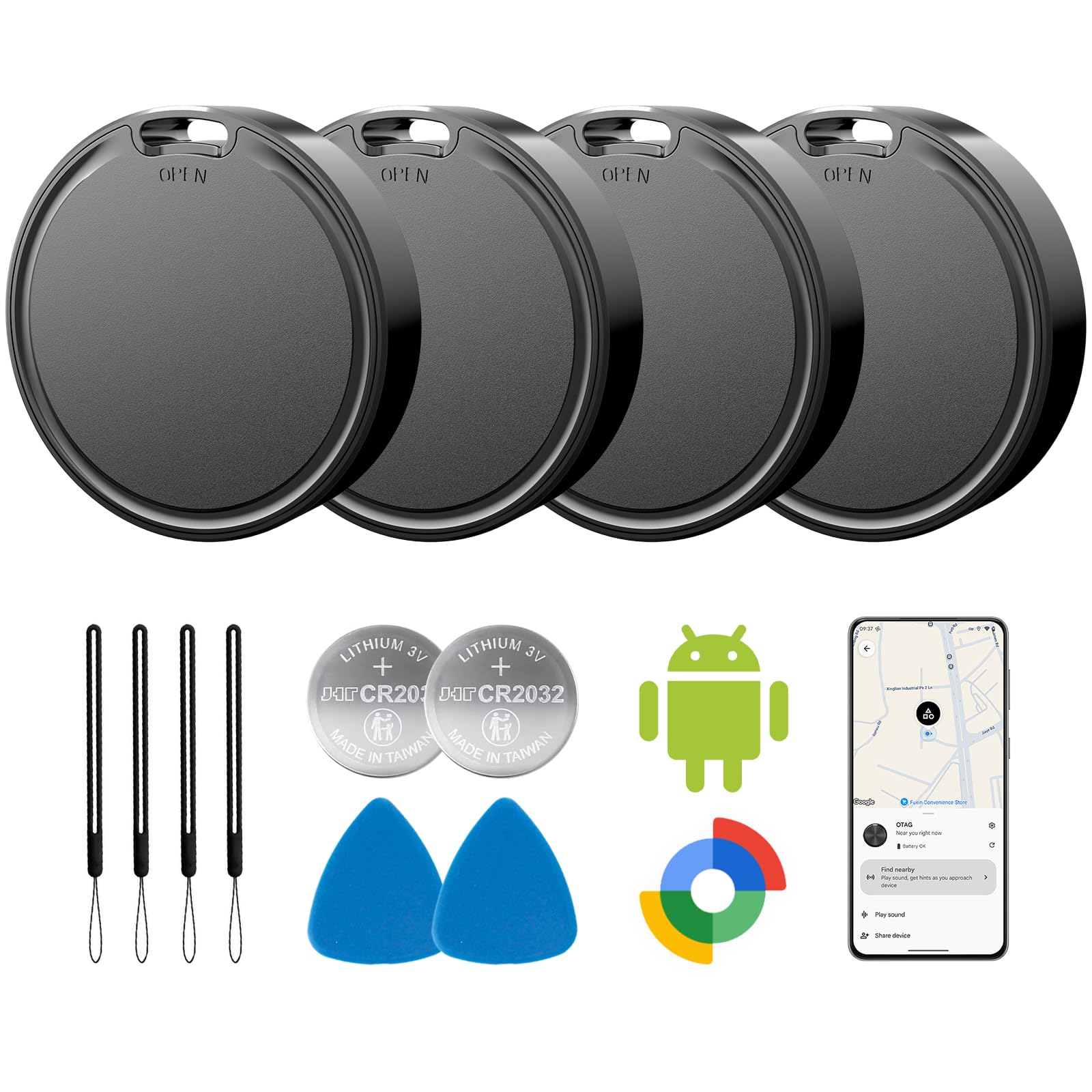
Four tags plus four cases arrive in one box, and each tag can be set up with Google Find Hub or Apple Find My. Android pairing is quick, and the included holders make it easy to attach a tag to a zipper pull or luggage handle.

That cross-platform reach is the main reason to consider it for travel. The tradeoff is positioning detail: indoors, the map location can sit coarse or lag behind the actual bag, so it works better as a broad-area baggage indicator than as a room-level finder. That boundary is why it sits below the top pick for travelers who need close-range indoor direction; it also depends on nearby phones for updates, like any Bluetooth crowd-network tag.

Pros

  • Setup is quick, especially on Android, so you can pair tags before a trip.
  • The tags function as general item trackers in checked bags and carry-on.
  • Four cases are included, so luggage loops and zipper pulls are covered immediately.

Cons

  • Indoor positioning may lag or show coarse map locations in large buildings.
  • Location updates rely on nearby phones in the chosen network rather than live GPS.
Our verdict

For a mixed Android/Apple household that wants one budget-friendly kit to cover multiple bags before a trip, this gets the job done with cases included.

Check Latest Price

How to Choose

Ecosystem Compatibility

Apple AirTags work only with Apple Find My, Samsung SmartTag2 works only with Galaxy devices, and Android-compatible tags typically use Google Find Hub rather than Samsung SmartThings. A tag that does not match your phone is a plastic coin holder.

For mixed iOS/Android households, a tag that pairs to one platform at a time still covers both people as long as each tag is assigned to the right phone. If you expect one tracker to appear on both ecosystems simultaneously, look for a true GPS unit with its own app.

Network Type

Bluetooth crowd-network tags do not show live position. They record the last time the tag passed a device on the same network, which is why an AirTag can show a bag at the departure airport for hours after the plane leaves.

Cellular GPS trackers transmit over 4G LTE and update from anywhere with coverage, but they require a subscription and draw more power. Choose crowd-network for domestic carry-on recovery; choose cellular GPS for checked bags on long international routes where the network density of Apple or Google is thinner.

Battery Type and Serviceability

Replaceable CR2032 batteries are the travel-friendly standard: when the tag warns low, you swap in a fresh cell and continue. Rechargeable USB-C tags remove coin batteries entirely but need access to a charger, which is usually fine on a trip but less convenient if the tag is buried inside a packed suitcase.

Sealed-battery trackers are the hidden cost trap. If the cell dies after a few months and you cannot open the shell, the whole unit becomes e-waste. For luggage that travels several times a year, pay the small difference for a replaceable or rechargeable battery.

UWB Precision Finding

UWB Precision Finding turns a map dot into an on-screen arrow with distance and direction, which is how you locate a bag in a baggage claim carousel or a hotel lobby. It works only for close-range finding, typically within 30 feet, and only when the tag is paired with a compatible phone.

Without UWB, the tag shows a circle on a map, and you rely on playing a chime to narrow the location. That is enough for lost luggage at an airport but frustrating when the tag is inside a zippered pocket and the speaker is muffled.

Water Resistance and Durability

A luggage tracker should survive rain on the tarmac, a splash from a water bottle, and the pressure changes of an aircraft hold. IP67 means the tag can be submerged in a meter of water for 30 minutes; IP65 means it resists jets of water but not full submersion.

Durability also means the case stays closed. The most common failure mode across budget tags is not water ingress but battery doors that crack or refuse to open when the cell needs replacing.

Subscription Requirements

Crowd-network trackers do not charge a monthly fee because they use the Bluetooth radios of nearby phones. True GPS trackers need a cellular data plan, which usually means a subscription from the manufacturer.

If you travel internationally only a few times a year, a yearly subscription can exceed the cost of the hardware. Calculate the total cost over two years before choosing a GPS model over a Bluetooth tag.

Frequently Asked Questions